GuideCoding & dev tools
Sandbox AI coding agent setup: permissions, containers and network limits
Set up a sandbox AI coding agent in Claude Code, Codex, Copilot or Docker, see what each boundary blocks, and spot the gaps it leaves open.
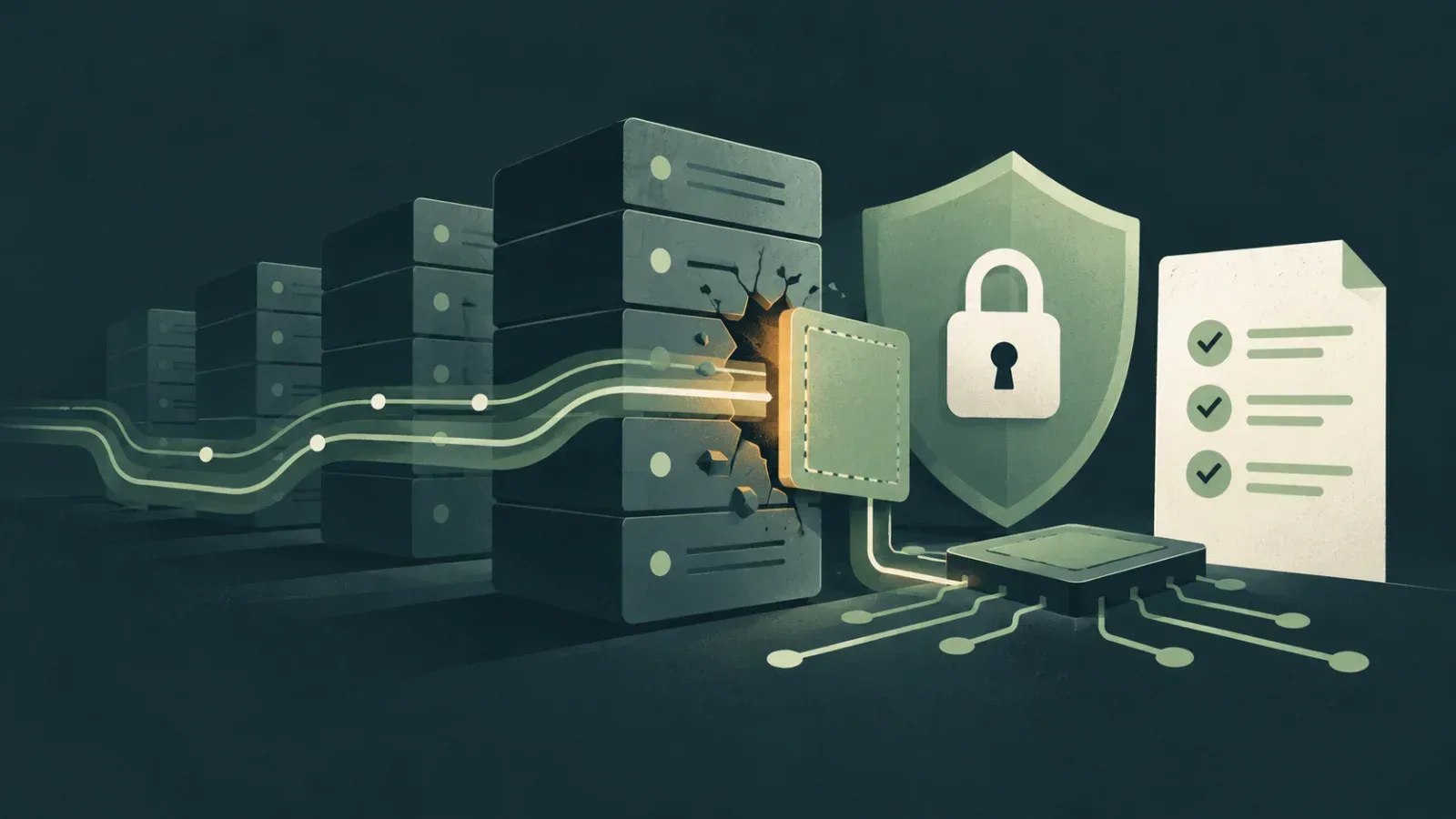
A sandbox AI coding agent runs its commands inside a boundary that the operating system or a virtual machine enforces, so it can work with fewer approval prompts. Claude Code and Codex sandbox shell commands locally, GitHub's Copilot cloud agent has an outbound firewall, and Docker Sandboxes puts the whole agent in a microVM. None of them stops an agent from breaking files it is allowed to write, or from sending data to a host you allowed.
What can go wrong when an agent runs commands
An agent that can run shell commands has the same reach as the user who started it. A test script, a package install hook or an instruction hidden in a fetched page can read ~/.ssh, push to a remote or post a file to an outside server.
Three things decide the damage. The first is which files a command can write. The second is which files it can read, including credential files. The third is which hosts it can reach over the network. A sandbox narrows all three, and the official documentation for each tool says plainly which of the three it covers and which it leaves alone.
Which boundary covers what
The table below compares the four boundaries using their current official documentation. It is a summary for planning, so check the linked docs before you rely on a row.
| Boundary | What it wraps | Network default | Ways out | Not covered |
|---|---|---|---|---|
| Claude Code sandboxed Bash tool | Bash, PowerShell and Monitor commands and their child processes | No direct route; allowed domains start empty | Unsandboxed retry, excludedCommands | Read, Edit, Write, WebFetch, hooks, local MCP servers |
Codex local sandbox (workspace-write) | Commands Codex runs; writes limited to writable roots | Off | danger-full-access, --yolo | The network proxy skips web search, connectors, MCP and browser activity |
| Copilot cloud agent firewall | Processes the agent starts through its Bash tool | Recommended allowlist plus GitHub hosts | Turning the firewall off in settings | MCP server processes, Copilot setup steps |
| Docker Sandboxes (local) | The whole agent, inside a microVM | Deny by default, preset chosen on first run | Open preset, sbx policy allow | Local stdio MCP servers, the live workspace mount |
How does the Claude Code sandbox restrict files and network?
The Claude Code sandboxing docs (opens in a new tab) describe a boundary around shell commands only. It is off by default. On macOS it uses Seatbelt; on Linux and WSL2 it uses bubblewrap and socat. On native Windows, Claude Code runs commands unsandboxed.
By default a sandboxed command can write to the working directory, a per-user temp directory and any directories you added. It can read most of the machine, including ~/.ssh and ~/.aws/credentials. It has no direct network route: connections go through a local proxy that checks each hostname against your allowed domains, and that list starts empty. Environment variables, secrets included, are inherited.
Turn it on and lock the retry
Run /sandbox in a session and pick a mode. Auto-allow runs sandboxed commands without a prompt. Regular permissions keeps the prompts.
When a command fails inside the sandbox, Claude can retry it with the dangerouslyDisableSandbox parameter, which runs it unsandboxed. Setting allowUnsandboxedCommands to false turns that retry off; the /sandbox panel calls this Strict sandbox mode. A project-level settings file looks like this:
{
  "sandbox": {
    "enabled": true,
    "allowUnsandboxedCommands": false,
    "filesystem": {
      "denyRead": ["~/"],
      "allowRead": ["."]
    },
    "network": {
      "allowedDomains": ["registry.npmjs.org"]
    }
  }
}
The domain in that example is illustrative. Even inside the working directory, the sandbox denies writes to .claude settings files, .mcp.json, shell startup files such as .bashrc, .gitconfig, and hooks and config inside .git. No allowWrite entry lifts that protection.
Codex sandbox modes and approval policies
The Codex agent approvals and security page (opens in a new tab) lists three sandbox modes: read-only, workspace-write and danger-full-access. Approval policies are on-request, never and a granular form. The older untrusted value is retired, and the page warns that it can stop the client from starting.
For a version-controlled folder, Codex recommends the Auto preset, which is workspace-write with on-request approvals. Outside version control it recommends read-only. Network access is off in workspace-write until you enable it:
sandbox_mode = "workspace-write"
approval_policy = "on-request"

[sandbox_workspace_write]
network_access = true
The same settings exist as CLI flags, --sandbox and --ask-for-approval. Inside each writable root, .git, .agents and .codex stay read-only. Enforcement is Seatbelt through sandbox-exec on macOS, bwrap plus seccomp on Linux, and MXC on Windows.
--dangerously-bypass-approvals-and-sandbox, aliased --yolo, removes both layers. The page also notes that Docker or devcontainer setups may not support the Linux sandbox, and that danger-full-access inside a container leaves only the container as a boundary.
What the GitHub Copilot agent firewall blocks
GitHub Copilot cloud agent runs in GitHub Actions, and its firewall limits outbound internet access. The Recommended allowlist is on by default. It covers common OS package repositories, container registries, language package registries, certificate authorities and the hosts the Playwright MCP server needs to download browsers.
You add hosts under the repository's Settings > Copilot > Internet access, or at organization level, where rules apply to every repository. A blocked request shows up as a warning on the pull request, naming the address and the command that tried it.
The Copilot firewall documentation (opens in a new tab) is direct about scope. The firewall covers processes the agent starts through its Bash tool. It does not apply directly to MCP server processes or to configured Copilot setup steps, and GitHub warns against treating it as a complete security solution.
Running a sandbox AI coding agent in Docker Sandboxes
Docker Sandboxes takes a different route: the whole agent runs in a microVM with its own kernel and its own Docker daemon. You manage it with the sbx CLI. From a project directory, the getting-started guide launches Claude Code like this:
sbx run --name my-sandbox claude
sbx policy ls
sbx policy allow network registry.npmjs.org
sbx rm my-sandbox
On the first run, sbx asks for a network preset: Open, Balanced or Locked Down. Balanced is default deny with common development sites allowed. The Agents page lists Claude Code, Codex, Copilot, Gemini and others.
The Docker Sandboxes security page (opens in a new tab) names the limits. A directly mounted workspace is read-write and live, so the agent edits your real files. Clone mode mounts the host repository read-only at /run/sandbox/source and lets the agent work in a private clone. The default allowed domains include broad wildcards such as *.googleapis.com, so review sbx policy ls and remove what you do not need.
Secrets, tokens and what stays outside
A sandbox that blocks the network but can read your tokens only delays a leak. Each tool handles this differently.
Claude Code reads credential files by default, and it has no built-in credential deny list. The sandbox.credentials block denies listed files and unsets listed environment variables, such as GITHUB_TOKEN and NPM_TOKEN, before each sandboxed command. Its mask mode shows commands a placeholder and has the proxy substitute the real value only for allowed hosts.
Docker Sandboxes keeps credential values on the host. A host-side proxy injects authentication headers into outbound requests, and the agent sees a sentinel instead. You store a GitHub token with sbx secret set github --command 'gh auth token'.
For Codex cloud tasks, secrets are available during the setup phase and removed before the agent phase.
What a sandbox does not stop
Each vendor lists gaps in its own docs. These are the ones that matter most for unattended runs:
- Allowed hosts are exit routes. Claude Code's proxy decides from the hostname and does not inspect TLS by default. Its docs warn that allowing a broad domain such as
github.comcan open a path for data exfiltration, including through domain fronting. - Files the agent may write can still be wrecked. Docker's security page tells you to check Git hooks, CI configuration, Makefiles and
package.jsonscripts, since hooks in.git/do not show up ingit diff. - Tools outside the boundary keep full access. Claude Code's hooks and local MCP servers run on the host, and so do Docker Sandboxes' local stdio MCP servers.
- Codex's network proxy filters command subprocesses only, and the page lists prompt injection as a way the agent can fetch and follow untrusted instructions.
- A Unix socket can undo the whole boundary. Claude Code's docs give
/var/run/docker.sockas the example: allowing it grants access to the host.
The Claude Code guide to sandbox environments (opens in a new tab) draws the practical line. The sandboxed Bash tool on its own is not enough for fully unattended runs. Sessions started with --dangerously-skip-permissions belong inside a container, a VM or the sandbox runtime, so file tools, MCP servers and hooks sit behind the boundary too.
Frequently asked questions
Does a sandbox stop my code from being sent to the model provider?
No. Anthropic's sandbox environments page says isolation does not change what is sent to the model: prompts and the files Claude reads still go to the Anthropic API or your configured provider. A sandbox limits what commands can reach on your machine and network, not what the agent reads into its context.
Can I run the Claude Code Bash sandbox inside a Docker container?
Yes, and Anthropic describes it as layering per-command limits on top of the container boundary. Unprivileged containers need the `enableWeakerNestedSandbox` option, which the docs say considerably weakens security. Use it only when the outer container already enforces isolation.
Why can't git over SSH or a database client reach a host I allowed in Claude Code?
The Claude Code sandbox routes traffic through a proxy using the `HTTP_PROXY` and `HTTPS_PROXY` variables. Tools that ignore those variables, such as plain `ssh` and most database drivers, cannot connect even to an allowed host. UDP, HTTP/3 over QUIC and ICMP tools such as `ping` cannot leave the sandbox at all.
What happens if the Claude Code sandbox cannot start?
By default, Claude Code runs commands without sandboxing when a dependency is missing or the platform is unsupported. Setting `sandbox.failIfUnavailable` to `true` makes Claude Code exit at startup instead. Combine it with `allowUnsandboxedCommands` set to `false` if the sandbox is meant to be a hard requirement.
Sources
- 1.Configure the sandboxed Bash tool - Claude Code DocsOfficial docsPrimarycode.claude.com
- 2.Codex Security | ChatGPT LearnOfficial docsPrimarylearn.chatgpt.com
- 3.Customizing or disabling the firewall for GitHub Copilot - GitHub DocsRepositoryPrimarydocs.github.com
- 4.Docker Sandboxes | Docker DocsOfficial docsPrimarydocs.docker.com
- 5.code.claude.com/docs/en/sandbox-environmentsWeb
- 6.learn.chatgpt.com/docs/agent-approvals-securityWeb
- 7.docs.docker.com/ai/sandboxes/get-startedOfficial docsPrimary
- 8.docs.docker.com/ai/sandboxes/agentsOfficial docsPrimary
- 9.docs.docker.com/ai/sandboxes/architectureOfficial docsPrimary
- 10.docs.docker.com/ai/sandboxes/securityOfficial docsPrimary
Spotted an error? See our corrections policy.
Enjoyed this? Get the weekly brief.
New guides, Project & Tool of the Week and the AI developments that matter. One email, no spam.
Read next
 GuideCoding & dev tools
PHP critical security update CVE-2026-109618: Versions and patch steps
Check the PHP critical security update CVE-2026-109618, identify affected servers, install fixed PHP versions, and apply temporary settings if needed.
12 min read
- NewsCoding & dev tools
QGIS bans LLM, AI and agent-assisted code in its main repository
QGIS approved a policy that bans LLM, AI and agent-assisted code in qgis/qgis. What changed for contributors, how the vote went and what is still open.
5 min read
- NewsCoding & dev tools
GitHub AI Scan now checks PHP, Terraform and Dockerfiles in pull requests
GitHub's AI Scan for pull requests is now GA. It flags vulnerabilities in PHP, Bash, Terraform and other code CodeQL skips, billed in AI credits.
4 min read