Weekly digest
The week on HuiaHub: sandboxed agents, RAG tooling and local models
41 new HuiaHub pages this week: sandboxing coding agents, RAG retrieval, local models on Macs and phones, Claude Haiku 5.5 and six how-to guides.
4 min read
AI tools, projects & skills · every fact sourced
Guides, tools, open-source projects, agent skills, videos and a weekly digest, researched from primary sources, with every fact linked and every page dated.
How a page gets here
What goes into a page before it is published.
Primary sources
Pricing from the vendor's own page, repository data from GitHub's API.
Checked
Each claim is checked against its source before the page goes live.
Flagged
Skill pages say if a skill runs scripts, uses the network, installs hooks or asks for secrets.
Dated
Every page lists its sources and shows when its facts were last checked.
The HuiaHub Blog
41 new HuiaHub pages this week: sandboxing coding agents, RAG retrieval, local models on Macs and phones, Claude Haiku 5.5 and six how-to guides.
4 min read

See which banks are restricting AI agents in bank accounts, how read-only access differs from credential sharing, and which claims remain unverified.
10 min read

Check the PHP critical security update CVE-2026-109618, identify affected servers, install fixed PHP versions, and apply temporary settings if needed.
12 min read
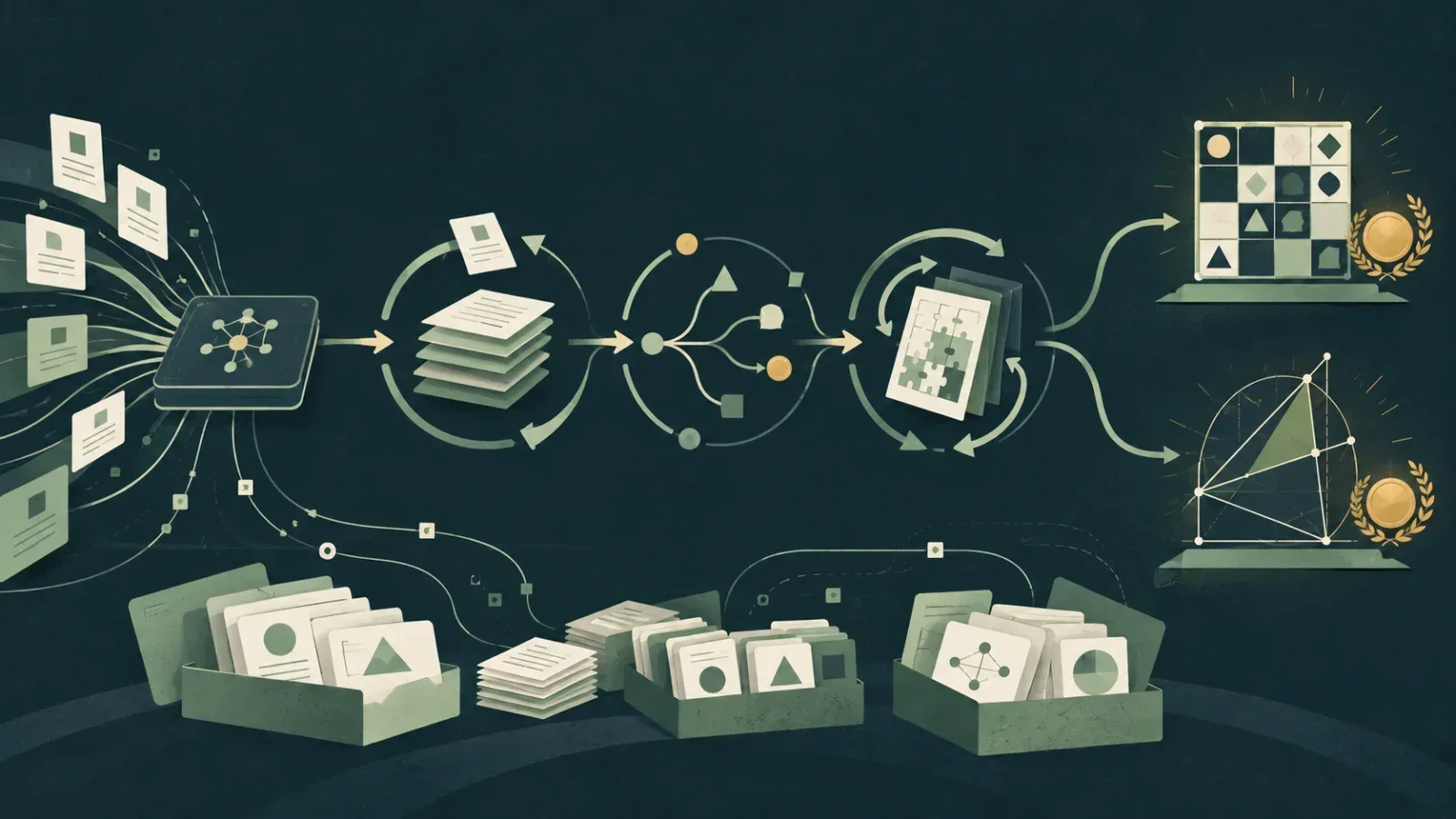
NVIDIA details how SFT, RL and test-time loops took Nemotron 3 to gold-level IOI and IMO 2026 results, and which checkpoints and datasets are open.
4 min read

Microsoft rebuilt Agent Lightning as a 3,500-line RL framework that trains agents through the harnesses they already run. What changed for RL teams.
4 min read
GitHub made local sandboxing for Copilot generally available, limiting what agent-run commands can touch. Setup, OS needs and gaps for teams.
4 min read
GitHub moved AI secret detection to a fine-tuned model and set AI Credit billing for push protection and Copilot checks. What changes for security teams.
4 min read
Fine tune LLM LoRA adapters on one GPU: check that fine-tuning fits, prepare data, train with PEFT and TRL or Unsloth, and compare against the base model.
6 min read
Weekly brief
One email. Only AI worth using.
New guides, Project & Tool of the Week, and the developments that matter.
Test MCP server tools in three layers: explore them in the MCP Inspector, unit test the tool logic, and run a scripted client check in CI.
7 min read
Compare prompt caching API rules for OpenAI, Claude and Gemini, order prompts so the cache hits, avoid silent misses and measure savings from usage fields.
8 min read
Set up RAG evaluation with Ragas: build a small test set, match each metric to retrieval or generation, run a first score and compare two versions.
7 min read
Pick the best embedding model for RAG by language, context length, vector size, hosting and price, then test it on your own documents first.
6 min read
Set up a sandbox AI coding agent in Claude Code, Codex, Copilot or Docker, see what each boundary blocks, and spot the gaps it leaves open.
7 min read
Signals
41 new HuiaHub pages this week: sandboxing coding agents, RAG retrieval, local models on Macs and phones, Claude Haiku 5.5 and six how-to guides.
NVIDIA details how SFT, RL and test-time loops took Nemotron 3 to gold-level IOI and IMO 2026 results, and which checkpoints and datasets are open.
Microsoft rebuilt Agent Lightning as a 3,500-line RL framework that trains agents through the harnesses they already run. What changed for RL teams.
GitHub made local sandboxing for Copilot generally available, limiting what agent-run commands can touch. Setup, OS needs and gaps for teams.
GitHub moved AI secret detection to a fine-tuned model and set AI Credit billing for push protection and Copilot checks. What changes for security teams.
VoiceStudio is a desktop app that runs speech AI on your own computer: it clones and designs voices, generates speech from text, dubs videos, transcribes audio and has a dictation widget. The app is built on Electron with a Python backend. Its default speech engine is k2-fsa's OmniVoice, and the feature catalog lists more than a dozen alternatives, among them CosyVoice 3, KittenTTS, MLX-Audio and IndexTTS 2.5. Transcription defaults to WhisperX, with Faster-Whisper, Parakeet, Moonshine and others available. Models are downloaded when a workspace first needs them. The project says its tools cover 646 languages, a figure that also appears in the transcription tool of its MCP docs. Beyond the desktop workspaces, VoiceStudio exposes a local API and an MCP server on port 3900, so coding agents can generate speech, clone a voice or transcribe a file. The README states that local workflows stay on your hardware, remote workers are optional and usage analytics only run with consent. Version 0.5.3 was the last release built on Tauri; current releases are Electron only, and Tauri users have to install the new app separately.
AI Engineering from Scratch is a free, MIT-licensed course on GitHub that teaches how AI systems work by having you write each piece yourself, starting with linear algebra and ending with multi-agent systems and production infrastructure. The material is split into 20 phases and 523 lessons, with code in Python, TypeScript, Rust and Julia. Each lesson folder holds a written explanation, runnable code and an outputs directory. The pattern is to build an algorithm such as backpropagation, a tokenizer, attention or an agent loop from plain math first, and only then run the same idea through a library like PyTorch or scikit-learn. Lessons end with something you keep: a prompt, a SKILL.md file, an agent or an MCP server. The repository holds 396 skills and 99 prompts produced this way, plus a script that copies them into an agent's skills folder. There are three ways to follow it. You can read lessons on the website with no setup, clone the repository and run the code locally, or install the course's tutor skills into a coding agent such as Claude Code or Codex. Those skills run a placement quiz, write a study plan to LEARNING.md and teach one lesson per session. Separate tracks prepare for the four Claude certification exams and the MCP Associate exam; the README says these are independent and not affiliated with the exam bodies.
OpenMontage is a Python toolkit that turns an AI coding assistant such as Claude Code, Cursor, Copilot, Windsurf or Codex into a video production setup. You describe the video, and the assistant moves through fixed stages: research, proposal, script, scene plan, assets, edit and compose. No separate orchestrator program runs the show. The assistant reads YAML pipeline manifests and a Markdown director skill for each stage, then calls the Python tools itself. The repository has pipelines for animated explainers, cinematic trailers, documentary montages, talking-head edits, screen demos, podcast clips, and localization with dubbing, among others. It connects to many providers, including Kling, Veo, Runway, FLUX, ElevenLabs and Suno, and to local options: Piper for speech, WAN or Hunyuan video models on a GPU, and Remotion, HyperFrames and FFmpeg for rendering. With no API keys at all it can still narrate with Piper, pull footage from Archive.org, NASA and Wikimedia Commons, and render with Remotion. Creative stages wait for your approval, and a local board called Backlot shows each stage, the generated assets and the money spent. Budget controls estimate costs before generation, with a default total cap of $10 and a confirmation step for any single action above $0.50.
Orca is a desktop development environment for running multiple AI coding agents side by side, with each task isolated in its own Git worktree. It can launch agents such as Claude Code, Codex, Cursor CLI and OpenCode, while keeping terminals, files, diffs and browser sessions tied to each worktree. The project is aimed at developers who already use coding-agent command-line tools and want one place to manage several sessions. Orca runs on macOS, Windows and Linux. Worktrees can run locally, on SSH machines or on a remote Orca server that you control. Its built-in browser includes a Design Mode that can send an element's HTML, CSS and screenshot to an agent. The CLI can create worktrees, control terminals, open files and diffs, and automate Orca's browser. A mobile companion for iOS and Android can monitor sessions, send replies, inspect files and source control, and receive completion notifications. Orca does not provide an AI model or hosted compute. You bring the coding-agent accounts or subscriptions you already use, and remote execution uses machines or cloud accounts under your control.
Agent Reach is a Python command-line tool that prepares an AI agent to read and search sites that are awkward to reach from a script, including Twitter/X, Reddit, YouTube, Bilibili, XiaoHongShu and GitHub. It leaves the actual reading to other tools. For each platform it picks an upstream project (Jina Reader for web pages, yt-dlp for YouTube, gh for GitHub, feedparser for RSS, twitter-cli and OpenCLI for social sites), installs it, checks that it works and gives the agent a SKILL.md file describing what to call. Every platform has an ordered list of backends, and when one breaks the maintainers move the next one up. The README cites June 2026, when Bilibili blocked yt-dlp and the tool switched to bili-cli. Running agent-reach doctor shows which channels work and which backend each is using. Web pages, YouTube, RSS, public GitHub repositories, V2EX and basic Bilibili search need no setup. Twitter, Reddit, XiaoHongShu, Facebook and Instagram need a logged-in session, either from cookies you export by hand or through OpenCLI reusing your desktop Chrome login. The main README is in Chinese; English, Japanese and Korean versions sit in the docs folder.
Project of the Week
Ponytail is a rule set and skill collection that pushes an AI coding agent to write as little code as a task needs. It ships as a plugin for Claude Code, Codex, GitHub Copilot CLI, Gemini CLI and several other agent hosts, and as plain rules files for editors such as Cursor, Windsurf and Cline. Before writing anything, the agent works down a fixed ladder: drop the feature if it does not need to exist, reuse what the codebase already has, then try the standard library, a native platform feature, an installed dependency and a one-line answer. New code comes only after all of those fail. The README is firm that validation, error handling, security and accessibility are off limits for cutting. Its example: asked for a date picker, the agent reaches for a native <input type="date"> instead of adding a library and a wrapper component. The plugin adds commands to set the intensity (lite, full, ultra or off), to review a diff or a whole repository for over-engineering, and to collect deferred shortcuts into a ledger. The maintainer publishes a benchmark: across twelve feature tasks on a FastAPI and React template with Haiku 4.5, the README reports about 54% fewer lines of code than the same agent without the skill, plus smaller drops in tokens, cost and time.
Huia score 76
Tool of the Week
Cloudflare's open-weight decision models that return typed answers with probabilities, hosted on Workers AI.
Watch & learn
 22:46
22:46A 22-minute AI Engineer talk for inference engineers that covers runtime tricks like paged KV cache and chunked prefill, then system-level disaggregation and kernel-writing agents.
AI Engineer · 1.2K views ·
 14:22
14:22A 14-minute talk from the OpenHands CEO comparing four ways to sandbox coding agents, for developers who run agents with broad permissions.
AI Engineer · 3.9K views ·
 19:17
19:17A 19-minute Fireworks AI talk on training open models on your own data and redeploying them in a continuous loop, for teams weighing closed-model costs.
AI Engineer · 6.1K views ·
 14:07
14:07A 14-minute LangChain talk on finding, reproducing and fixing agent failures using production traces, for engineers who run agents in production.
LangChain · 8.1K views ·
 43:05
43:05A 43-minute freeCodeCamp.org course that takes n8n from first workflow to agents, Slack approvals, error handling and cost monitoring, for builders new to the tool.
freeCodeCamp.org · 111K views ·
 44:26
44:26A freeCodeCamp.org walkthrough for developers who want to read, train and RL-tune a small GLM-5.3-Flash-style model in Python, with all code on GitHub.
freeCodeCamp.org · 150K views ·
Directory
Image & video
AI video generator that turns a prompt or screen recording into onboarding, training, demo and explainer videos for teams.
Image & video
Video reference library that turns launch films and explainers into blueprints and prompt recipes Claude and other agents can build from.
Models & inference
Mac app that runs open AI models up to 35B parameters offline for chat, transcription, OCR, upscaling and video clipping.
Coding & dev tools
A Mac app that shows Claude Code, Codex and other coding agents as status dots and lets you answer them from one Inbox.
Models & inference
An 11 MB open-weight model from HITL Systems that answers routing, yes/no and priority questions about text on CPU.
Assistants & chat
An iOS and Android app that runs 53 open-weight models offline on your phone, with no account or subscription.
Open source
nanobot is a self-hosted personal AI agent framework in Python from HKUDS. You run it on your own computer or server and talk to it through a browser WebUI, the terminal, or chat apps such as Telegram, Discord, Slack, WeChat, email and Mattermost. The agent can read and write files, run shell commands, search and fetch web pages, call MCP servers, schedule jobs with cron, generate images and hand work to subagents. Session history and long-term memory are handled by a component the project calls Dream. Models come from OpenAI-compatible APIs or local servers such as Ollama and vLLM, with fallback models configurable. nanobot can also expose its own OpenAI-compatible API, and it has a Python SDK for integrations. The stable track is the nanobot-ai package on PyPI, installed with a one-line script, uv or pip; the latest release is v0.3.5. Newer and experimental features land on the main branch first and need a source install. Documentation is at nanobot.wiki in ten languages.
codebase-memory-mcp is an MCP server, written in C, that parses a code repository into a knowledge graph so an AI coding agent can ask structural questions (what calls this function, which HTTP routes exist, what a change affects) instead of reading files one by one. It ships as one native executable for macOS, Linux and Windows. Parsing uses tree-sitter grammars compiled into the binary, and the README lists 162 languages. A hybrid LSP layer adds type resolution for a smaller set, including Python, TypeScript, Go, Java and Rust. Agents reach the graph through 17 MCP tools covering search, call tracing, architecture overviews, change detection, Cypher queries and architecture decision records. A 3D graph viewer is built into the binary and opens at localhost:9749. The installer finds supported agents on your machine and writes their MCP configuration; the README counts 45 client surfaces, among them Claude Code, Codex, Gemini CLI, Cursor and Windsurf. The authors describe the design in an arXiv preprint and report 83% answer quality with 10 times fewer tokens than file-by-file exploration across 31 repositories. Indexing and queries run locally without an API key.
OmO (the repository is oh-my-openagent) is a terminal agent for coding and other work, started with a single omo command. It runs on senpi, the author's fork of the pi coding agent, with extra features built in. You open a project, run omo and describe the job. Adding the keyword ultrawork (or ulw) to a prompt tells the agent to read the codebase first, plan, check each step and verify the result before it stops. Typing mass ulw splits a large job into a graph of agents that run in parallel, each on a model picked for its part. A memory feature called Kibitzer keeps notes as markdown files in a git repository and has a cheaper model warn the main agent before it repeats an earlier mistake. The /login command signs in with Claude, ChatGPT, Kimi and GLM subscriptions. OmO installs as a native binary through a shell script (PowerShell on Windows) or as the omo-ai package from npm or Bun. People on the older OpenCode edition can carry their settings over with omo setup. GitHub lists the licence as "Other"; the repository's LICENSE.md is the Sustainable Use License.
Headroom is a Python and TypeScript tool that shrinks the text an AI agent sends to a model (tool output, logs, files, RAG chunks and chat history) so each request uses fewer tokens. The compression runs on your own machine. You can use it in four ways: a compress() library for Python and TypeScript, a local proxy you point an app at, a headroom wrap command that starts coding agents such as Claude Code, Codex or Aider through that proxy, or an MCP server. A router looks at each piece of content and picks a compressor: one for JSON, one for source code, and a small Hugging Face model called Kompress-v2-base for prose. Originals stay in a local cache, and the model can call a retrieve tool when the short version is not enough. The project publishes its own offline benchmark of four MCP-style scenarios, with savings from 21% to 57%. The README also describes steering the model toward shorter replies and labels that saving as an estimate. The latest release is v0.39.1, from September 2026.
VoiceStudio is a desktop app that runs speech AI on your own computer: it clones and designs voices, generates speech from text, dubs videos, transcribes audio and has a dictation widget. The app is built on Electron with a Python backend. Its default speech engine is k2-fsa's OmniVoice, and the feature catalog lists more than a dozen alternatives, among them CosyVoice 3, KittenTTS, MLX-Audio and IndexTTS 2.5. Transcription defaults to WhisperX, with Faster-Whisper, Parakeet, Moonshine and others available. Models are downloaded when a workspace first needs them. The project says its tools cover 646 languages, a figure that also appears in the transcription tool of its MCP docs. Beyond the desktop workspaces, VoiceStudio exposes a local API and an MCP server on port 3900, so coding agents can generate speech, clone a voice or transcribe a file. The README states that local workflows stay on your hardware, remote workers are optional and usage analytics only run with consent. Version 0.5.3 was the last release built on Tauri; current releases are Electron only, and Tauri users have to install the new app separately.
AI Engineering from Scratch is a free, MIT-licensed course on GitHub that teaches how AI systems work by having you write each piece yourself, starting with linear algebra and ending with multi-agent systems and production infrastructure. The material is split into 20 phases and 523 lessons, with code in Python, TypeScript, Rust and Julia. Each lesson folder holds a written explanation, runnable code and an outputs directory. The pattern is to build an algorithm such as backpropagation, a tokenizer, attention or an agent loop from plain math first, and only then run the same idea through a library like PyTorch or scikit-learn. Lessons end with something you keep: a prompt, a SKILL.md file, an agent or an MCP server. The repository holds 396 skills and 99 prompts produced this way, plus a script that copies them into an agent's skills folder. There are three ways to follow it. You can read lessons on the website with no setup, clone the repository and run the code locally, or install the course's tutor skills into a coding agent such as Claude Code or Codex. Those skills run a placement quiz, write a study plan to LEARNING.md and teach one lesson per session. Separate tracks prepare for the four Claude certification exams and the MCP Associate exam; the README says these are independent and not affiliated with the exam bodies.
Explore