ComparisonAudio & speech
Whisper vs WhisperX: which one to transcribe with locally
Compare Whisper vs WhisperX from their own docs: word timestamps, speaker labels, install, licenses and stated speed, then pick the right local transcriber.
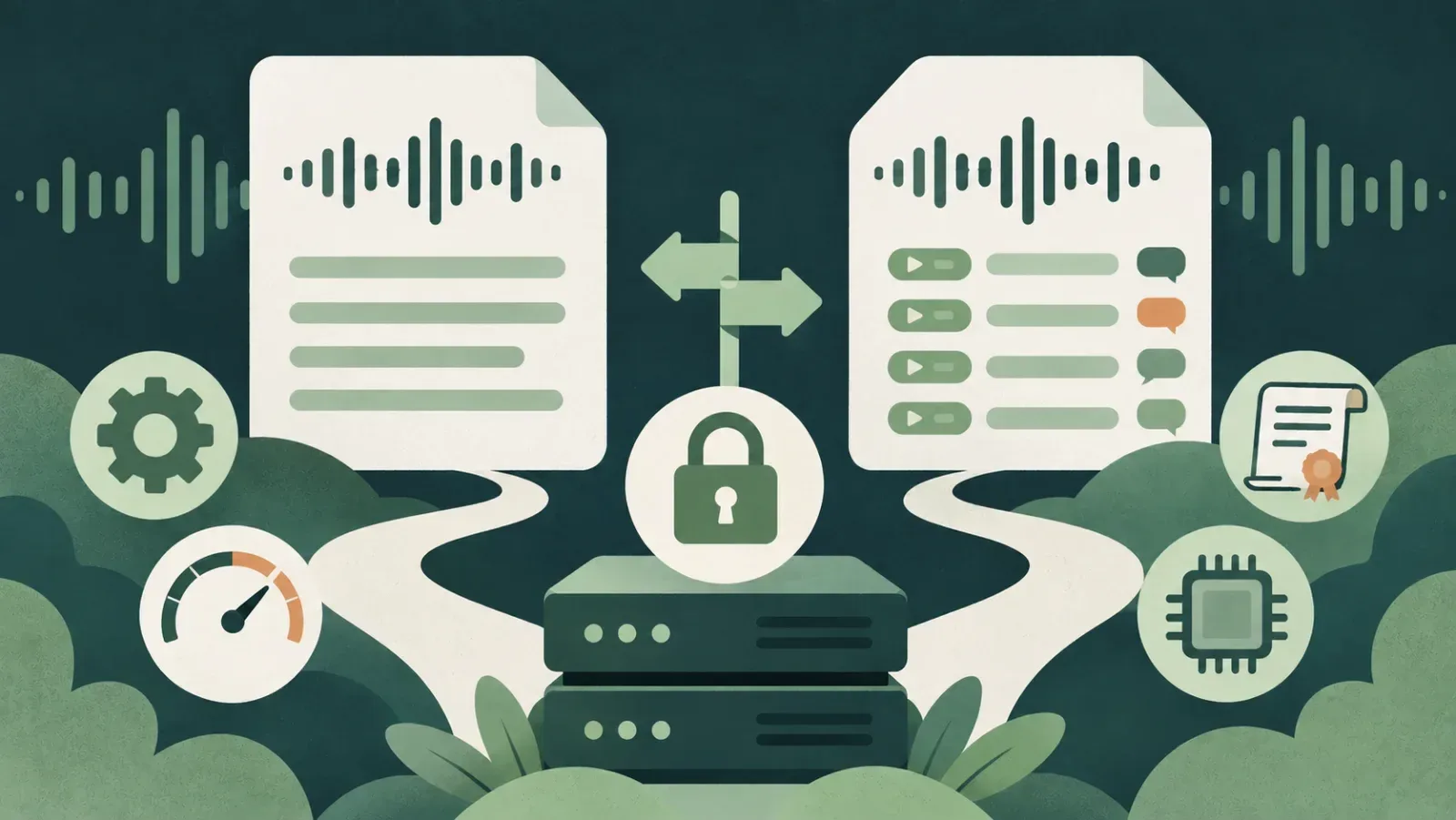
Illustration generated with ChatGPT
Whisper vs WhisperX is a choice between one simple transcriber and a pipeline built around it. OpenAI's Whisper turns audio into text, or translates it into English, with one pip package under the MIT license. WhisperX runs Whisper models in batches through the faster-whisper backend and adds word-level timestamps and optional speaker labels, in exchange for extra models, a heavier install and a Hugging Face token for diarization.
Everything below comes from each project's README, source code and model cards, checked on 8 November 2026. Speed figures are the projects' own, credited to them.
What are Whisper and WhisperX?
OpenAI Whisper (opens in a new tab) is a general-purpose speech recognition model. One model handles multilingual transcription, translation into English and language identification. The repository belongs to the openai organization on GitHub, and its latest tagged release is v20250625, published on 26 June 2025.
WhisperX (opens in a new tab) is a Python library by Max Bain, hosted on his personal GitHub account. Its README credits support from the Visual Geometry Group at the University of Oxford, and the method appeared in a paper accepted at INTERSPEECH 2023. The latest WhisperX release is v3.8.6, from 25 May 2026.
WhisperX transcribes with faster-whisper (opens in a new tab), SYSTRAN's reimplementation of Whisper on the CTranslate2 inference engine, rather than OpenAI's package. Around that backend WhisperX adds three stages: voice activity detection (VAD), forced alignment with a wav2vec2 phoneme model, and speaker diarization through pyannote.audio.
Whisper vs WhisperX compared, with sources
The table lists what each project documents. Where a project is silent, the cell says so.
| Question | Whisper | WhisperX | Source |
|---|---|---|---|
| Maintainer | OpenAI | Max Bain (personal account) | GitHub repository pages |
| Latest release (checked 8 Nov 2026) | v20250625, 26 June 2025 | v3.8.6, 25 May 2026 | GitHub releases pages |
| Install | pip install -U openai-whisper | pip install whisperx or uvx whisperx | Both READMEs |
| Python | Expected to work on 3.8 to 3.11 | >=3.10, <3.14 on the main branch | Whisper README; WhisperX pyproject.toml |
| Inference | Whisper's own PyTorch code, 30-second sliding window | faster-whisper (CTranslate2), batched | Whisper README; WhisperX README |
| Default timestamps | Segment level | Word level, from wav2vec2 forced alignment | whisper/transcribe.py; WhisperX README |
| Word timings | Optional --word_timestamps, marked experimental | Default after alignment | whisper/transcribe.py; WhisperX README |
| VAD stage | None listed in the README | pyannote by default, Silero optional (--vad_method) | WhisperX __main__.py |
| Speaker labels | Not offered | Optional --diarize, pyannote speaker-diarization-community-1 | WhisperX README and __main__.py |
| Translation to English | --task translate (not with turbo) | --task translate | Whisper README; WhisperX __main__.py |
| Default CLI model | turbo | small | whisper/transcribe.py; WhisperX __main__.py |
| Extra setup | ffmpeg; Rust if tiktoken has no wheel for your platform | CUDA toolkit 12.8 for GPU; Hugging Face token for diarization | Both READMEs |
| Code license | MIT | BSD-2-Clause | Each repository's LICENSE |
| Model licenses | Weights under MIT | Several models with separate licenses (see below) | Whisper README; Hugging Face model cards |
| Speed claim | turbo about 8x the speed of large (A100, English) | "70x realtime with large-v2" | Both READMEs |
Segment-level or word-level timestamps?
WhisperX gives word-level timestamps by default, because it aligns the transcript against the audio with a wav2vec2 phoneme model. Whisper gives segment timestamps by default and has an experimental --word_timestamps option in its command line.
The WhisperX README describes Whisper's timestamps as utterance level and says they can be off by several seconds. That README does not mention Whisper's --word_timestamps flag. Whisper's own help text labels the flag experimental, and --highlight_words only works with it switched on.
# Whisper: experimental word timings, underlined in the SRT and VTT output
whisper interview.mp3 --model turbo --word_timestamps True --highlight_words True

# WhisperX: aligned word timings, underlined in the SRT and VTT output
whisperx interview.mp3 --model large-v2 --highlight_words True
Alignment in WhisperX is language specific. Default alignment models cover English, French, German, Spanish and Italian through torchaudio, plus a longer list of languages through Hugging Face models named in alignment.py. For a language outside that list, the README says to find a phoneme-based model on Hugging Face and test it yourself.
Some tokens get no timing at all. The README gives "2014." and "£13.60" as examples: words whose characters are missing from the alignment model's dictionary cannot be aligned.
WhisperX also changes how text is produced. To batch, it runs Whisper without timestamp tokens, which the README says can make output differ from default Whisper. Conditioning on previous text is off by default. A newer --interleaved_context flag passes context between segments, described in a 2026 preprint the README links.
What do WhisperX speaker labels require?
WhisperX speaker labels need two things, according to its README: a Hugging Face access token with read permission, passed with --hf_token, and acceptance of the user agreement for pyannote's speaker-diarization-community-1 model.
The community-1 model card (opens in a new tab) explains what accepting means. You share your Hugging Face account information, and you agree that pyannote may email you about its models and premium services. The card lists the pipeline under CC-BY-4.0.
# Illustrative: replace the placeholder with your own read token
export HF_TOKEN="<your-read-token>"
whisperx meeting.wav --model large-v2 --diarize \
  --min_speakers 2 --max_speakers 2 --hf_token "$HF_TOKEN"
Set --min_speakers and --max_speakers only when you know the speaker count. Community-1 runs on your machine. pyannote's paid precision-2 pipeline is a different product that runs on pyannoteAI servers with an API key.
pyannote.audio (opens in a new tab) has an optional telemetry feature. Its README says it records the model origin, file duration and speaker-count settings, and that PYANNOTE_METRICS_ENABLED=0 switches it off.
The WhisperX README lists its limits: diarization is "far from perfect", and neither Whisper nor WhisperX handles overlapping speech well. HuiaHub's speaker diarization guide for WhisperX and pyannote walks through checking labels and naming speakers.
Speed claims, as each project states them
Each project publishes its own figures, on its own hardware and settings. None of them measures the other projects under one setup.
- Whisper lists relative speeds against the
largemodel, measured on English speech on an A100: about 10x fortiny, 4x forsmalland 8x forturbo. The README warns that real-world speed varies with language, speaking speed and hardware. - WhisperX claims "70x realtime" transcription with large-v2 through batched inference, and under 8 GB of GPU memory for large-v2 at beam size 5. The README does not name the GPU behind the 70x figure.
- faster-whisper says it is up to 4 times faster than openai/whisper at the same accuracy, using less memory. Its benchmark on 13 minutes of audio (large-v2, RTX 3070 Ti 8GB) lists 2m23s for openai/whisper, 1m03s for faster-whisper and 17s with
batch_size=8. - pyannote reports community-1 at 31 seconds per hour of audio on the AMI set, self-hosted on an H100.
The faster-whisper benchmark covers transcription only. It does not include WhisperX's alignment or diarization stages. faster-whisper also warns that openai/whisper's transcribe() uses beam size 1 by default, while faster-whisper uses 5, so comparisons need matching settings.
For alignment, WhisperX says installing Numba can speed it up by 30 to 100 times on long audio or GPU batch pipelines.
Hardware and install
Whisper has the shorter install. WhisperX needs more pieces, and its GPU path assumes NVIDIA CUDA.
Whisper
Install the package, then ffmpeg from your system package manager. Rust is needed only if tiktoken has no pre-built wheel for your platform.
pip install -U openai-whisper
sudo apt update && sudo apt install ffmpeg
Whisper's README lists approximate VRAM per model: about 1 GB for tiny and base, 6 GB for turbo and 10 GB for large.
WhisperX
For GPU use, the README says to install CUDA toolkit 12.8 before WhisperX. CPU-only users skip that step. The main branch pins torch~=2.8.0, which matters if another project in the same environment needs a different PyTorch.
pip install whisperx
pip install "whisperx[fast]"   # optional: Numba for faster alignment

# CPU, including macOS
whisperx audio.wav --compute_type int8 --device cpu
To lower GPU memory, the README suggests a smaller --batch_size, a smaller model or --compute_type int8, and notes that the last two can affect quality. The CLI picks CUDA when PyTorch finds it and falls back to CPU otherwise.
The two projects download different weights files. openai-whisper fetches PyTorch .pt checkpoints from OpenAI, while WhisperX loads models through faster-whisper, which downloads CTranslate2 conversions from Hugging Face.
Licenses, including the models WhisperX downloads
Whisper is the simple case: OpenAI releases both the code and the model weights under the MIT license.
WhisperX code is BSD-2-Clause, but a full run touches several models with their own terms:
- Whisper weights in CTranslate2 format: faster-whisper maps model names to Hugging Face repositories, most under the Systran account. SYSTRAN's large-v3 conversion lists MIT. The
turboname maps to a repository from mobiuslabsgmbh, so check that card separately. - Alignment models: English, French, German, Spanish and Italian come from torchaudio pipelines. Other languages use Hugging Face models from many authors. The README does not list their licenses, so check the card for your language.
- VAD: the default pyannote VAD weights ship inside the WhisperX package. The README credits pyannote and Silero but states no license for the bundled file.
- Diarization: speaker-diarization-community-1 is CC-BY-4.0 and is gated behind the terms described above. pyannote.audio itself is MIT.
faster-whisper, the backend, is MIT.
Pick Whisper if, pick WhisperX if
Pick Whisper if:
- plain transcripts or translation into English are all you need
- you want one MIT license across code and weights
- you run Python 3.8 or 3.9, which WhisperX's main branch does not support
- segment timestamps, or Whisper's experimental word timings, are good enough
- you prefer not to create a Hugging Face account or accept model terms
Pick WhisperX if:
- you need word timings from forced alignment for subtitles, editing or search
- speaker labels matter and you accept the token and pyannote's conditions
- you transcribe long or many files on an NVIDIA GPU and want batched inference
- your language has an alignment model in WhisperX's list, or you can find and test one
A third option sits between them. faster-whisper on its own has batched transcription, a Silero VAD filter and a word_timestamps=True option, without alignment models or diarization. HuiaHub's guide to transcribing audio locally with Whisper compares openai-whisper, whisper.cpp and faster-whisper by hardware.
Frequently asked questions
Does WhisperX produce more accurate text than Whisper?
WhisperX transcribes with the same Whisper model family, converted for faster-whisper, and you choose the size with `--model`. Its README says VAD preprocessing reduces hallucination and allows batching with no WER degradation, and that the WhisperX paper shows VAD-based segmentation reduces WER. No independent comparison is cited here.
Can WhisperX run fully offline after the first download?
The WhisperX CLI has `--model_dir` to choose where models are stored and `--model_cache_only True` to skip downloads and use cached models. Diarization needs the gated pyannote model fetched with your token first. pyannote says community-1 runs locally, but the WhisperX README does not describe a fully offline diarization setup.
Does WhisperX work on a Mac?
The README gives `--compute_type int8 --device cpu` for running on CPU and on macOS. It documents GPU acceleration only through NVIDIA CUDA, and it does not publish CPU speed figures.
Which output formats does the WhisperX command line write?
By default it writes every available format. The `--output_format` option accepts srt, vtt, txt, tsv, json and aud, or all.
Sources
- 1.GitHub - openai/whisper: Robust Speech Recognition via Large-Scale Weak Supervision · GitHubRepositoryPrimarygithub.com
- 2.GitHub - m-bain/whisperX: WhisperX: Automatic Speech Recognition with Word-level Timestamps (& Diarization) · GitHubRepositoryPrimarygithub.com
- 3.GitHub - SYSTRAN/faster-whisper: Faster Whisper transcription with CTranslate2 · GitHubRepositoryPrimarygithub.com
- 4.GitHub - pyannote/pyannote-audio: Neural building blocks for speaker diarization: speech activity detection, speaker change detection, overlapped speech detection, speaker embedding · GitHubRepositoryPrimarygithub.com
- 5.pyannote/speaker-diarization-community-1 · Hugging FaceOfficial docsPrimaryhuggingface.co
- 6.github.com/openai/whisper/releasesRepositoryPrimary
- 7.github.com/openai/whisper/blob/main/whisper/transcribe.pyRepositoryPrimary
- 8.github.com/m-bain/whisperX/releasesRepositoryPrimary
- 9.github.com/m-bain/whisperX/blob/main/whisperx/__main__.pyRepositoryPrimary
- 10.github.com/m-bain/whisperX/blob/main/whisperx/alignment.pyRepositoryPrimary
- 11.github.com/m-bain/whisperX/blob/main/whisperx/asr.pyRepositoryPrimary
- 12.github.com/openai/whisper/blob/main/whisper/__init__.pyRepositoryPrimary
- 13.github.com/m-bain/whisperX/blob/main/whisperx/vads/pyannote.pyRepositoryPrimary
- 14.github.com/m-bain/whisperX/blob/main/pyproject.tomlRepositoryPrimary
- 15.github.com/m-bain/whisperX/blob/main/LICENSERepositoryPrimary
- 16.github.com/SYSTRAN/faster-whisper/blob/master/faster_whisper/utils.pyRepositoryPrimary
- 17.github.com/SYSTRAN/faster-whisper/blob/master/LICENSERepositoryPrimary
- 18.huggingface.co/Systran/faster-whisper-large-v3RepositoryPrimary
- 19.github.com/pyannote/pyannote-audio/blob/main/LICENSERepositoryPrimary
Spotted an error? See our corrections policy.
Enjoyed this? Get the weekly brief.
New guides, Project & Tool of the Week and the AI developments that matter. One email, no spam.
Read next
 TutorialAudio & speech
Speaker diarization Whisper guide: who said what with WhisperX and pyannote
Set up speaker diarization Whisper workflows with pyannote and WhisperX, check speaker labels against familiar audio, and export named SRT or VTT files.
8 min read
 RoundupAudio & speech
Open source text to speech you can run yourself: Piper, Kokoro and more
Compare open source text to speech engines Piper, Kokoro, Coqui TTS and Chatterbox by licence, languages and hardware, then pick one you can ship.
7 min read
 GuideAudio & speech
Transcribe audio locally with Whisper: openai-whisper, whisper.cpp or faster-whisper
Transcribe audio locally with Whisper using openai-whisper, whisper.cpp or faster-whisper, export SRT or VTT subtitles, and match the tool to your hardware.
6 min read
More on these topics
Related agent skills
Podwise podcast workflows
hardhackerlabs/podwise-cli
Guides coding agents through Podwise CLI workflows for finding podcasts, processing episodes, retrieving transcripts and summaries, managing listening, researching topics, and creating notes or study cards.
No scriptsNetwork accessNo hooksNo secretsClaude Code, Codex★ 419checked
VideoCaptioner subtitle processing
WEIFENG2333/VideoCaptioner
Guides coding agents to transcribe speech, optimize and translate subtitles, burn styled captions into videos, and customize subtitle appearance using the VideoCaptioner CLI.
No scriptsNo networkNo hooksAsks for secretsClaude Code★ 16Kchecked
Related videos
 13:10intermediate
Nemotron 3 Diarization - Who Said That?
Sam Witteveen explains speaker diarization and runs NVIDIA's Nemotron 3 Diarization on a full podcast, a 13-minute look for anyone building multi-speaker transcription.
Sam Witteveen · 52K views ·
 17:11beginner
Gemini 3.8 Flash TTS with Voice Cloning
Sam Witteveen walks through Gemini 3.8 Flash TTS, from voice design and cloning to pricing, with Colab code, for developers choosing a text-to-speech model.
Sam Witteveen · 87K views ·