remotion-dev/skills/skills/remotion-best-practices
Remotion skill router
A router that sends Remotion video tasks such as project setup, markup, maps, captions and rendering to the matching reference.
What Remotion skill router does
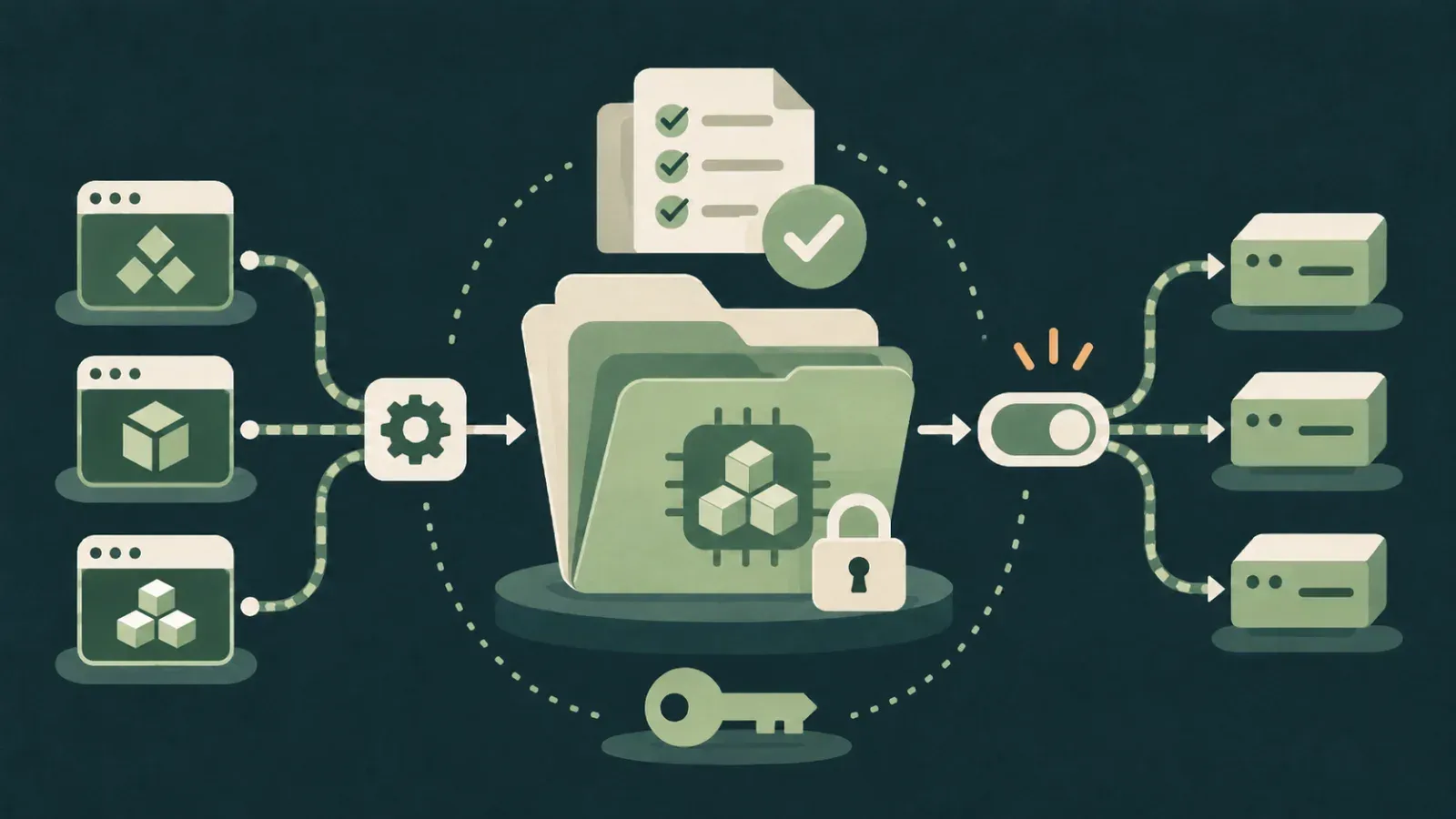
This skill is the entry point for Remotion's agent skills. SKILL.md is a routing table: it matches the task to one of twelve bundled reference folders and tells the agent to load that folder's REFERENCE.md. The folders cover creating a project or composition, React markup, maps, captions, media metadata with Mediabunny, Studio interactivity, the Studio preview, rendering, SaaS apps, documentation search, licensing and upgrades. The repository README says to use it when you are not sure which specific skill applies.
Two rules sit in SKILL.md itself. The agent must leave alone any surprising edit the user made outside the conversation, or ask first. When asked to make a video, it starts Remotion Studio with npx remotion studio as soon as the project can run and keeps the preview open. It renders with npx remotion render only when the user explicitly asks for an export.
The references hold the detail. remotion-create scaffolds a project with npx create-video@latest. remotion-markup covers animation driven by useCurrentFrame() and interpolate(), plus effects, audio, fonts and transitions. For MapLibre, Mapbox, MapTiler and CesiumJS maps, remotion-maps ships example components and two Node scripts. The result is a Remotion project the user previews in Studio, with markup structured to stay editable there.
Install
npx skills add remotion-dev/skillsRead the security check below before you run it. The repository's own instructions win if they differ.
Security check
What the skill's files do, from reading them. A flag that nobody has checked yet says "Not checked", never "No".
- Runs scripts
- Yes
- Uses the network
- Yes
- Installs hooks
- No
- Asks for secrets
- Yes
Checked at commit 7e541aa on 2026-11-12, all 148 files read. The skill tells the agent to run shell commands, including npx remotion studio, npx create-video@latest --yes and npx remotion add package installs. It ships two Node scripts for map data (prep-cesium-path.mjs and prep-geo.mjs, each stored twice); they read and write local files and make no network calls. remotion-docs/REFERENCE.md sends search queries to Algolia, and display-captions.md saves a component fetched from remotion.dev into the project. CesiumFlythrough.tsx and RiverReveal.tsx read map keys from environment variables, while MapTilerVectorElement.ts takes its key as an argument. voiceover.md has the agent ask for an ElevenLabs API key. It installs no hooks. Read the scripts first and try it in a test project.
Scan details: Ships 10 script files: remotion-maps/techniques/cesium/assets/flight-path.ts, remotion-maps/techniques/cesium/scripts/prep-cesium-path.mjs, remotion-maps/techniques/maptiler/assets/MapTilerVectorElement.ts, remotion-maps/techniques/maptiler/assets/tokens.ts, remotion-maps/techniques/maptiler/scripts/prep-geo.mjs, remotion-markup/remotion-maps/techniques/cesium/assets/flight-path.ts, …. SKILL.md instructions include web requests or URLs to fetch. skills/remotion-best-practices/remotion-maps/techniques/maptiler/assets/MapTilerVectorElement.ts reads a key, token or secret from the environment. skills/remotion-best-practices/remotion-markup/remotion-maps/techniques/maptiler/assets/MapTilerVectorElement.ts reads a key, token or secret from the environment. Checked at commit 7e541aa4d736.
Use cases
- Scaffold a Remotion project and build a composition with a live Studio preview.
- Add captions by transcribing audio locally with Whisper or importing an .srt file.
- Animate routes, markers and 3D flyovers with MapLibre, Mapbox, MapTiler or CesiumJS.
- Upgrade Remotion packages and the installed Remotion skills together.
Limitations
- Neither the repository nor SKILL.md states a license for the skill files.
- Mapbox, MapTiler and CesiumJS maps need a provider key; MapLibre and static maps do not.
- Local transcription and video matting require a compatible GPU.
- Companies that need a Remotion license are told to pass a license key to every render.
Sources
- remotion-best-practices skill folderRepositoryPrimarygithub.com
- remotion-dev/skillsRepositoryPrimarygithub.com
- github.com/remotion-dev/skills/blob/main/skills/remotion-best-practices/SKILL.mdRepositoryPrimary
- github.com/remotion-dev/skills/blob/main/README.mdRepositoryPrimary
- github.com/remotion-dev/skills/blob/main/skills/remotion-best-practices/remotion-create/REFERENCE.mdRepositoryPrimary
- github.com/remotion-dev/skills/blob/main/skills/remotion-best-practices/remotion-markup/REFERENCE.mdRepositoryPrimary
- github.com/remotion-dev/skills/blob/main/skills/remotion-best-practices/remotion-maps/REFERENCE.mdRepositoryPrimary
- github.com/remotion-dev/skills/blob/main/skills/remotion-best-practices/remotion-maps/techniques/cesium/TECHNIQUE.mdRepositoryPrimary
- github.com/remotion-dev/skills/blob/main/skills/remotion-best-practices/remotion-maps/techniques/cesium/assets/CesiumFlythrough.tsxRepositoryPrimary
- github.com/remotion-dev/skills/blob/main/skills/remotion-best-practices/remotion-maps/techniques/maptiler/assets/RiverReveal.tsxRepositoryPrimary
- github.com/remotion-dev/skills/blob/main/skills/remotion-best-practices/remotion-maps/techniques/maptiler/assets/MapTilerVectorElement.tsRepositoryPrimary
- github.com/remotion-dev/skills/blob/main/skills/remotion-best-practices/remotion-maps/techniques/mapbox/TECHNIQUE.mdRepositoryPrimary
- github.com/remotion-dev/skills/blob/main/skills/remotion-best-practices/remotion-maps/techniques/cesium/scripts/prep-cesium-path.mjsRepositoryPrimary
- github.com/remotion-dev/skills/blob/main/skills/remotion-best-practices/remotion-maps/techniques/maptiler/scripts/prep-geo.mjsRepositoryPrimary
- github.com/remotion-dev/skills/tree/main/skills/remotion-best-practices/remotion-markup/remotion-mapsRepositoryPrimary
- github.com/remotion-dev/skills/blob/main/skills/remotion-best-practices/remotion-docs/REFERENCE.mdRepositoryPrimary
- github.com/remotion-dev/skills/blob/main/skills/remotion-best-practices/remotion-captions/display-captions.mdRepositoryPrimary
- github.com/remotion-dev/skills/blob/main/skills/remotion-best-practices/remotion-captions/transcribe-captions.mdRepositoryPrimary
- github.com/remotion-dev/skills/blob/main/skills/remotion-best-practices/remotion-captions/import-srt-captions.mdRepositoryPrimary
- github.com/remotion-dev/skills/blob/main/skills/remotion-best-practices/remotion-markup/video-matting.mdRepositoryPrimary
- github.com/remotion-dev/skills/blob/main/skills/remotion-best-practices/remotion-markup/voiceover.mdRepositoryPrimary
- github.com/remotion-dev/skills/blob/main/skills/remotion-best-practices/remotion-multimedia/REFERENCE.mdRepositoryPrimary
- github.com/remotion-dev/skills/blob/main/skills/remotion-best-practices/remotion-render/REFERENCE.mdRepositoryPrimary
- github.com/remotion-dev/skills/blob/main/skills/remotion-best-practices/remotion-saas/rendering.mdRepositoryPrimary
- github.com/remotion-dev/skills/blob/main/skills/remotion-best-practices/remotion-upgrade/REFERENCE.mdRepositoryPrimary
- github.com/remotion-dev/skills/tree/7e541aa4d7361dfaca0780a565a47307eb7bdfbbRepositoryPrimary
- github.com/remotion-dev/skills/tree/7e541aa4d7361dfaca0780a565a47307eb7bdfbb/skills/remotion-best-practicesRepositoryPrimary
Related guides
 TutorialAgent skills
How to use Superpowers in Claude Code, Codex and OpenCode, step by step
See how to use Superpowers in Claude Code: answer its questions, approve the design and plan, pick an executor, finish the branch. Codex and OpenCode too.
11 min read
- GuideAgent skills
How to check if a Claude skill is safe before you install it
How to check if a Claude skill is safe: read SKILL.md and every script as text, find network calls, hooks and secrets, then pin the copy you read.
7 min read
 GuideAgent skills
How to install skills in Codex, Cursor, Gemini CLI, Claude Code and more
Find the skills folder and install command for Codex, Cursor, Gemini CLI, Claude Code, Antigravity and OpenCode, and check a skill before it runs.
8 min read