GuideAgent skills
Claude skills vs MCP vs plugins vs hooks, plus slash commands: what each is for
Pick the right Claude Code extension: compare Claude skills vs MCP vs plugins vs hooks by trigger, location, context cost and what each can run.

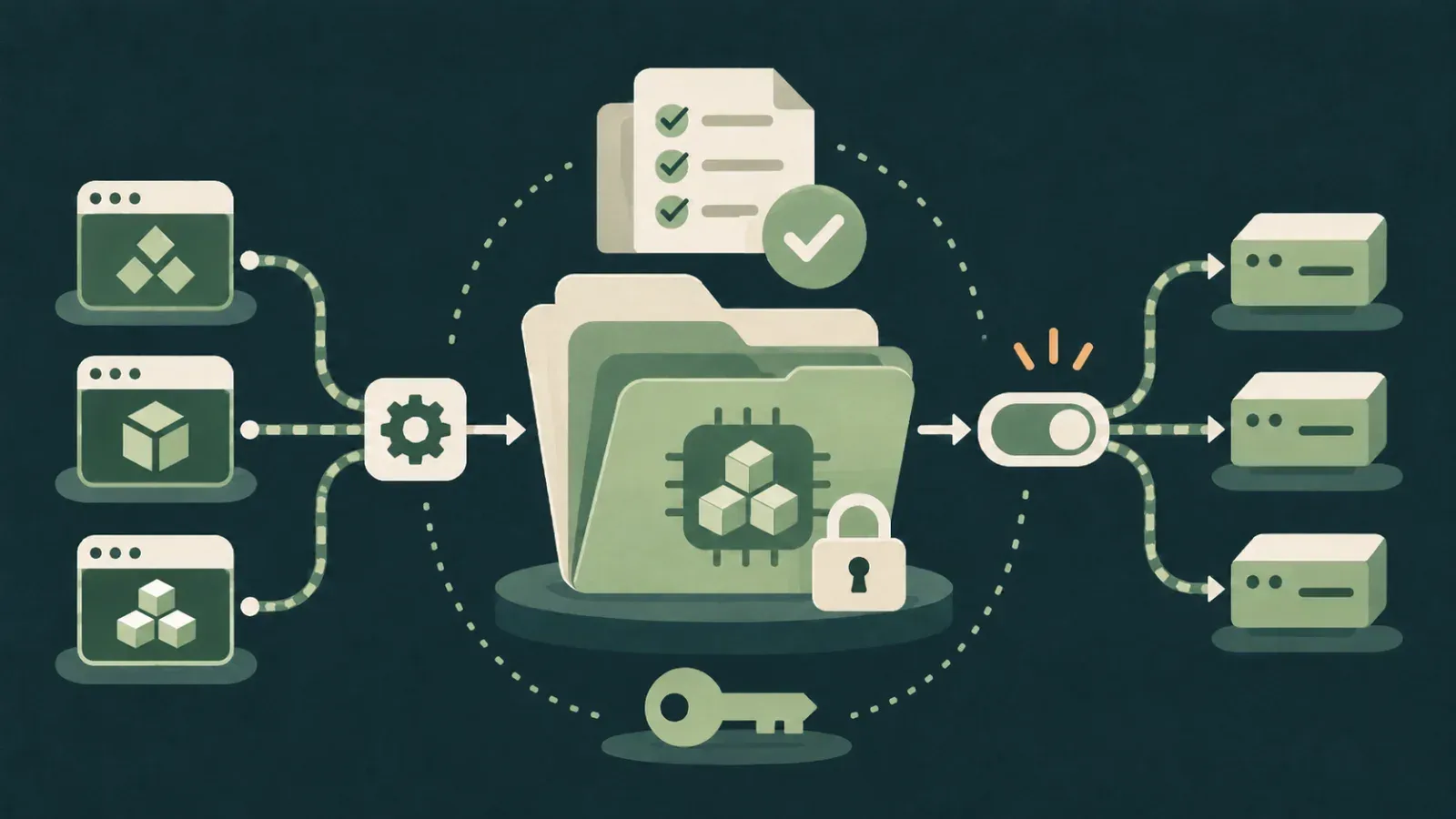
Illustration generated with ChatGPT
The answer to Claude skills vs MCP vs plugins vs hooks depends on what you want to add to Claude Code. A skill gives Claude instructions it loads when needed, an MCP server gives it tools for an outside system, a hook runs your own code at a fixed point in the session, and a plugin packages any of these for installation. Custom slash commands are now skills.
This guide follows Anthropic's Claude Code documentation as it reads on November 3, 2026. The Extend Claude Code overview (opens in a new tab) is the primary source for the context costs below.
Claude skills vs MCP vs plugins vs hooks in one line each
- Skill: a
SKILL.mdfile of instructions or reference material that Claude loads when its description matches the task, or that you run with/name. - Slash command: a custom file in
.claude/commands/is now an older form of a skill. Built-in commands such as/contextare coded into the CLI. - MCP server: a connection to an external service that gives Claude tools, and can also expose prompts and resources.
- Hook: a shell command, HTTP request, MCP tool call, prompt or subagent that Claude Code runs at a lifecycle event, without Claude deciding.
- Plugin: a directory that bundles skills, agents, hooks, MCP servers and other components into one installable unit.
- Subagent: a worker with its own context window that returns a summary to your conversation.
Comparison table: trigger, location and context cost
| Extension | What it is | Who triggers it | Where it lives | Context cost |
|---|---|---|---|---|
| Skill | Markdown instructions in SKILL.md, plus optional supporting files | You with /name, or Claude when the description matches | ~/.claude/skills/<name>/, .claude/skills/<name>/, a plugin's skills/, or the managed settings directory | Name and description on every request; the full body once used, and it then stays in the conversation |
| Custom command file | The older single-file form of a skill | Same as a skill | .claude/commands/<name>.md | Same as a skill |
| MCP server | A server that exposes tools for an external system | Claude calls its tools; you can run its prompts as commands | ~/.claude.json (local and user scope), .mcp.json in the project root, or a plugin's .mcp.json | Tool names and server instructions at session start; full schemas load when Claude needs a tool |
| Hook | A command, HTTP request, MCP tool call, prompt or subagent | Claude Code, when a matching event fires | User, project, local or managed settings files, a plugin's hooks/hooks.json, or skill and subagent frontmatter | Zero unless the hook returns output |
| Plugin | A directory of components with a .claude-plugin/plugin.json manifest | You install and enable it; each component then follows its own trigger | Fetched from a marketplace into ~/.claude/plugins/ | The sum of its components, in every session where it is enabled |
| Subagent | A worker with its own system prompt, tools and context window | Claude delegates when a task matches its description, or you ask for it | .claude/agents/, ~/.claude/agents/, or a plugin's agents/ | Work happens in a separate window; descriptions sit in the main context |
What is a Claude Code skill?
A Claude Code skill is a directory holding a SKILL.md file: YAML frontmatter at the top, Markdown instructions below. The description field tells Claude when the skill applies. The directory name, or the frontmatter name, becomes the command you type.
The skills documentation (opens in a new tab) splits skill content into two kinds. Reference content, such as an API style guide, adds knowledge Claude applies while it works. Task content, such as a deploy checklist, is a set of steps you usually start yourself.
Context cost depends on who may invoke the skill. By default Claude sees each skill's name and description on every request, and the body loads only when the skill runs. After that, the body stays in the conversation for later turns, so a long skill keeps costing tokens. The listing cuts the description and when_to_use text at 1,536 characters combined.
Two frontmatter fields control invocation. disable-model-invocation: true leaves the skill to you and keeps its description out of context until you run it. user-invocable: false hides it from the / menu, so only Claude can load it. This illustrative skill is one you would start by hand:
---
name: release-notes
description: Drafts release notes from merged pull requests. Use when the user asks for release notes or a changelog entry.
disable-model-invocation: true
---

List the pull requests merged since the last tag and group them by area.
A skill can also run in its own subagent with context: fork. The HuiaHub guide on how to write a SKILL.md for Claude Code covers structure, examples and common mistakes.
What happened to custom slash commands?
Anthropic merged custom commands into skills. A file at .claude/commands/deploy.md and a skill at .claude/skills/deploy/SKILL.md both create /deploy and behave the same way. Existing command files keep working and accept the same frontmatter as skills, except name and paths. For new work, the docs recommend a skill, because a skill folder can carry supporting files. When a skill and a command file share a name, the skill runs.
Built-in commands are a separate group. /context, /mcp, /plugin, /hooks and /skills run fixed logic coded into the CLI. Bundled skills such as /code-review, /debug and /batch are typed the same way, but each one is a prompt handed to Claude, and the commands reference marks them as Skill.
Two other sources add entries to the / menu. MCP servers can expose prompts, which appear as /servername:promptname (MCP) and also run as /mcp__servername__promptname. Plugins can still ship a commands/ folder, though the plugin docs call it the older format and suggest skills for anything new.
What does an MCP server add to Claude Code?
MCP, the Model Context Protocol, is an open standard for connecting AI tools to outside systems. An MCP server gives Claude purpose-built tools for something like an issue tracker, a database or a browser. Anthropic suggests connecting one when you keep copying data into chat from another tool. A remote server takes one shell command:
claude mcp add --transport http <name> <url>
Scope decides where the configuration lands. Local scope is the default and keeps the server in ~/.claude.json for the current project only. Project scope writes .mcp.json at the project root so the team shares it through version control. User scope also uses ~/.claude.json and loads the server in all your projects.
Context use stays low because MCP tool search (opens in a new tab) is on by default. At session start Claude Code loads tool names and server instructions; each tool's full JSON schema loads only when Claude needs it. Some setups load every tool upfront instead, for example older models or ENABLE_TOOL_SEARCH=false. Run /context all to see how many tokens each loaded MCP tool uses.
An MCP server supplies access. Knowledge about how your team uses that access, such as your database schema and query patterns, belongs in a skill that sits next to it. For setup and safety steps, read the HuiaHub guide to connecting MCP servers to Claude Code. To write your own server, see how to build an MCP server in Python.
When do Claude Code hooks run?
Claude Code hooks run at lifecycle events. Common ones are PreToolUse before a tool call, PostToolUse after a call succeeds, SessionStart, UserPromptSubmit and Stop. A matcher narrows the hook, for example to the Bash tool or to Edit|Write. The handler can be a shell command, an HTTP endpoint, an MCP tool, an LLM prompt or a subagent.
Hooks fire on their event without Claude choosing to run them. That makes them the place for rules that must hold every time. The docs contrast a line such as "never edit .env" in CLAUDE.md, which Claude may or may not follow, with a PreToolUse hook that blocks the edit. A hook that exits with code 2 stops the action on events that can block.
Hooks from settings files, plugins and frontmatter merge, so every matching hook fires. Type /hooks for a read-only list that shows where each one comes from.
A hook adds nothing to context by default. Its output reaches Claude only on certain paths, for example plain text printed by a SessionStart or UserPromptSubmit hook. The Claude Code hooks guide on HuiaHub walks through formatters, test runs and guards.
How plugins bundle skills, hooks, MCP servers and agents
A Claude Code plugin is a directory of components with a manifest at .claude-plugin/plugin.json. Skills go in skills/, subagents in agents/, hooks in hooks/hooks.json and MCP servers in .mcp.json at the plugin root. Plugins can also carry LSP servers, monitors and executables in bin/. Plugin skills are namespaced, so a review skill in my-plugin runs as /my-plugin:review.
Run /plugin to browse and install from your marketplaces. Claude Code adds Anthropic's official marketplace the first time you start an interactive terminal session, unless a managed policy blocks it. You install a plugin by name and marketplace:
/plugin install mcp-server-dev@claude-plugins-official
Skills, subagents, hooks and MCP servers all work without a plugin. A plugin earns its place when you want several of them packaged as one unit, when you install a setup someone else built, or when a second repository or a teammate needs your setup.
An enabled plugin is part of every session, used or not. For each skill, agent and command that Claude can invoke, the name and description sit in context on every turn. Its MCP servers run alongside each session and its hooks fire at their events. Disable a plugin you don't need with /plugin or claude plugin disable instead of uninstalling it.
Subagents in one paragraph
A Claude Code subagent runs in its own context window with its own system prompt and tool access, and hands back only a summary. Use one when a side task would flood your conversation with logs or file contents. Custom subagents are Markdown files in .claude/agents/, ~/.claude/agents/ or a plugin. Their requests count toward your usage limits, and their descriptions sit in main context. A skill can run in a subagent with context: fork.
Which extension should you use for each goal?
This decision table maps common goals to the extension the Claude Code docs point to. Copy it into your team notes and adjust the examples.
| Goal | Reach for | Why |
|---|---|---|
| You type the same prompt to start a task | A skill you run with /name | Saves the prompt and loads only when used |
| You paste the same checklist or procedure into chat | A skill | Reference or task content without growing CLAUDE.md |
| A workflow has side effects, such as a deploy | A skill with disable-model-invocation: true | Claude can't start it on its own |
| Claude needs data from a system it can't see | An MCP server | Gives Claude tools for that system |
| Claude has MCP access but misuses it | A skill next to the MCP server | Documents schema, conventions and query patterns |
| Every edited file must be formatted or linted | A PostToolUse hook | Runs on every matching edit without Claude deciding |
| An action must be blocked every time | A PreToolUse hook | Enforces the rule instead of asking Claude to follow it |
| A side task floods your conversation | A subagent | Works in a separate context and returns a summary |
| A second repository or teammate needs your setup | A plugin | Installs skills, hooks, agents and MCP servers as one unit |
| Claude keeps getting a project convention wrong | CLAUDE.md | Loads in every session |
The docs give a short test for hooks versus skills. Use a hook when the action must happen the same way each time and needs no reasoning. Use a skill when Claude should decide how to apply the steps.
Security: what each extension can run
Each extension reaches your machine in a different way, so review them differently before you install or trust one.
- Skills enter context as instructions, but they can also run code. A
!`command`line in a skill runs a shell command before Claude reads the skill, and a deny rule aborts it. Theallowed-toolsfield pre-approves tools for the turn, and workspace trust does not gate it, so check that field in skills committed to a repository you didn't write. - MCP servers using stdio run as local processes on your machine. Anthropic tells you to verify you trust each server, and warns that servers fetching external content can expose you to prompt injection. Interactive sessions ask before using project servers from
.mcp.json;claude -pand Agent SDK runs load them without asking. - Hooks of the command type run with your full user permissions and can read, change or delete any file your account can. In an interactive session, settings-file hooks wait until you accept the workspace trust dialog. In
-pand SDK sessions the folder counts as trusted, so committed hooks run; pass--settings '{"disableAllHooks": true}'to turn them off for one run. - Plugins can execute arbitrary code with your user privileges. According to the plugin security page (opens in a new tab), hooks, monitors, MCP servers and LSP servers from a plugin run outside the sandbox, and permission rules cover only the tool calls Claude makes. With auto-update on for its marketplace, a plugin's files can change after you reviewed them.
- Subagents follow their configured tool access. Frontmatter hooks in a project subagent run only after you accept the workspace trust dialog for that folder.
The hooks reference (opens in a new tab) has the full workspace trust rules and the exit-code table for blocking hooks.
Frequently asked questions
Can a Claude Code skill be used in other tools?
Claude Code skills follow the Agent Skills open standard. Outside Claude Code, uploads to claude.ai and the Skills API accept only the spec's frontmatter fields: name, description, license, compatibility, metadata and allowed-tools, and any other key fails with an error. Claude Code-only features such as dynamic context injection do not work in claude.ai chat or through the API.
How can I see which extensions cost the most context?
Run /context all to see the tokens each loaded MCP tool uses. In /skills, press t to sort skills by token count, and /skill-doctor reports what each skill costs and how often it runs. /doctor also compares unused skills, MCP servers and plugins with their context cost.
Do hooks fire when a subagent uses a tool?
Yes. Hooks from settings files, managed settings and plugins fire for a subagent's tool calls the same way as in the main conversation, and the input carries agent_id and agent_type fields. Hooks defined in a subagent's own frontmatter run only while that subagent is running.
Which skill runs when two share a name?
Enterprise skills beat personal ones, and personal skills beat project ones. A skill beats a .claude/commands file with the same name, and a personal or project skill replaces a bundled skill of that name but not its aliases. Plugin skills never clash, because they run under the plugin's namespace.
Sources
- 1.Extend Claude Code - Claude Code DocsOfficial docsPrimarycode.claude.com
- 2.Extend Claude with skills - Claude Code DocsOfficial docsPrimarycode.claude.com
- 3.Connect Claude Code to tools via MCP - Claude Code DocsOfficial docsPrimarycode.claude.com
- 4.Hooks reference - Claude Code DocsOfficial docsPrimarycode.claude.com
- 5.Plugins overview - Claude Code DocsOfficial docsPrimarycode.claude.com
- 6.Commands - Claude Code DocsOfficial docsPrimarycode.claude.com
- 7.code.claude.com/docs/en/plugins/componentsWeb
- 8.code.claude.com/docs/en/sub-agentsWeb
- 9.code.claude.com/docs/en/plugins/securityWeb
Spotted an error? See our corrections policy.
Enjoyed this? Get the weekly brief.
New guides, Project & Tool of the Week and the AI developments that matter. One email, no spam.
Read next
 TutorialAgent skills
How to use Superpowers in Claude Code, Codex and OpenCode, step by step
See how to use Superpowers in Claude Code: answer its questions, approve the design and plan, pick an executor, finish the branch. Codex and OpenCode too.
11 min read
- GuideAgent skills
How to check if a Claude skill is safe before you install it
How to check if a Claude skill is safe: read SKILL.md and every script as text, find network calls, hooks and secrets, then pin the copy you read.
7 min read
 GuideAgent skills
How to install skills in Codex, Cursor, Gemini CLI, Claude Code and more
Find the skills folder and install command for Codex, Cursor, Gemini CLI, Claude Code, Antigravity and OpenCode, and check a skill before it runs.
8 min read
More on these topics
Related open-source projects
Matt Pocock's Skills for Real Engineers is an open-source collection of instructions that guide AI coding agents through software development tasks. The skills cover requirements gathering, technical planning, testing, debugging, and code architecture. Instead of introducing a single development workflow, the repository provides individual skills that developers can choose, combine, and modify for their projects. The collection includes /grill-me, which has an agent question the user to clarify a plan, and /grill-with-docs, which adds documentation such as architecture decision records and a project glossary. For implementation work, /tdd describes a test-first development process, while /diagnosing-bugs guides agents through reproducing and investigating failures. Other skills address writing specifications and identifying opportunities to improve code structure. These are instructions for an existing agent, rather than a separate AI model or coding application. The README documents installation for Claude Code, Codex, GitHub Copilot, Gemini CLI, and other compatible agents. Plugin installations have agent-specific update mechanisms, while the skills.sh route copies editable files that developers update manually. After installation, /setup-matt-pocock-skills configures preferences for issue tracking, triage labels, and documentation locations. The collection suits developers who want to retain control over their engineering process while giving coding agents more specific guidance. Its usefulness still depends on the chosen agent, the available project context, and how developers apply the instructions.
- Stars
- 331K
- Language
- Shell
- License
- MIT
- Momentum
- +1.6% 7dEstablished
Related AI tools
Claude Code
Coding & dev tools
Anthropic's coding agent that reads a codebase, edits files and runs commands from the terminal, IDE, desktop app or web.
PaidAPIVerified
Related agent skills
Zoom developer platform skills
zoom/skills
Zoom Developer Platform skills organized by product, with product documentation, use cases and a general folder of cross-product references.
No scriptsNetwork accessNo hooksNo secretsClaude Code, Cline, BLACKBOX AI★ 86checked
BioMCP biomedical research
genomoncology/biomcp
Guides agents to search biomedical data on genes, variants, trials, diagnostics, drugs, diseases, pathways, proteins, drug safety, and research papers.
No scriptsNetwork accessNo hooksNo secretsClaude Code, Codex, Claude Desktop★ 668checked
MCP server builder
anthropics/skills
A guide for building MCP servers that let language models use external services and APIs through well-designed tools, in Python with FastMCP or TypeScript with the MCP SDK.
Runs scriptsNetwork accessNo hooksNo secretsClaude Code, Claude.ai, Claude API★ 180Kchecked