google-gemini/gemini-cli
gemini-cli
An open-source AI agent that brings the power of Gemini directly into your terminal.
GitHub metrics
- Stars
- 109K
- +224 this week
- Forks
- 15K
- 30-day growth
- —
- Open issues
- 465
| Day | GitHub stars |
|---|---|
| 2026-11-13 | 108785 |
| 2026-11-23 | 109009 |
What it does
Gemini CLI is an open-source command-line agent from Google that reads and edits code, runs shell commands and answers questions about a project from inside the terminal. You start it with gemini in a project folder and work in a chat-style session, or call it from scripts.
The README now opens with a status notice. It says the tool is designed for organizations with Gemini Code Assist Standard or Enterprise licenses and Code Assist for GitHub on Google Cloud, and it also lists legacy paid Gemini API and Vertex AI keys. Free individual access and the Google AI Pro and Ultra plans moved to a separate product, Antigravity CLI, on June 18, 2026. The same notice says Gemini CLI is not tuned for the Gemini 4 model series.
For people who still have access, the docs describe built-in tools for files, shell commands, web fetch and web search, plus MCP servers configured in ~/.gemini/settings.json. Headless mode returns plain text, one JSON object or a stream of JSON events. Tool execution can be sandboxed with macOS Seatbelt, Docker or Podman, a Windows native sandbox, or gVisor on Linux. Project instructions live in GEMINI.md context files, and checkpointing saves conversations so they can be resumed.
Why it matters
Gemini CLI puts a Gemini-backed agent in the terminal under the Apache 2.0 license, with the source for its file, shell and sandbox tools public. Since June 18, 2026 the README limits who it is for. Individual and Google AI plan users are sent to Antigravity CLI, and scripts or CI jobs that only need model calls are pointed to the separate Gemini API CLI. Gemini CLI itself is maintained for organizations that already use Gemini Code Assist on Google Cloud.
Main features
- Interactive terminal sessions started with `gemini` in a project directory
- Headless mode with `-p`, returning text, JSON or newline-delimited JSON events
- Built-in tools for file system operations, shell commands, web fetch and search
- MCP servers configured in `~/.gemini/settings.json` add custom tools
- Sandboxed tool execution with Seatbelt, Docker, Podman, gVisor or a Windows native sandbox
- `GEMINI.md` context files give the agent persistent project instructions
- Checkpointing to save and resume conversations
- Stable, preview and nightly release channels on npm
Who it's for
- Organizations with Gemini Code Assist Standard or Enterprise licenses on Google Cloud
- Teams that use Code Assist for GitHub
- Developers who hold legacy paid Gemini API or Vertex AI keys
- Engineers who script a terminal agent through headless JSON output
Strengths
- Apache 2.0 source, including the code for its file, shell and sandbox tools
- Sandbox options for macOS, Linux and Windows that isolate commands with side effects
- Scriptable: headless mode documents its JSON output schema and exit codes
- Frequent releases: 103 in the last 90 days, latest v0.68.0 on 2026-11-10
Limitations
- No free tier: free individual access and Google AI Pro and Ultra moved to Antigravity CLI on June 18, 2026
- The README says it is not tuned for the Gemini 4 series and should not be used to benchmark Gemini models
- Preview and nightly builds are not fully vetted and may contain regressions
- The authentication guide still describes sign-in for free individual accounts, which conflicts with the README notice
Getting started
Gemini CLI is an npm package and needs Node.js 20 or later. Install it globally, run it once with npx, or use Homebrew on macOS and Linux; the preview and nightly tags install the less tested channels.
npm install -g @google/gemini-cli
npx @google/gemini-cli
brew install gemini-cli
npm install -g @google/gemini-cli@preview
npm install -g @google/gemini-cli@nightly
Requirements: Node.js 20.0.0 or later, an internet connection, and a Google sign-in, Gemini API key or Vertex AI credentials; the docs recommend macOS 15+, Windows 11 24H2+ or Ubuntu 20.04+ with 4 GB of RAM or more (16 GB for large codebases).
Always follow the official instructions in the README on GitHub. This overview is our summary, not a copy.
Sources
- google-gemini/gemini-cliRepositoryPrimarygithub.com
- Build, debug & deploy with AI | Gemini CLIOfficial sitePrimarygeminicli.com
- raw.githubusercontent.com/google-gemini/gemini-cli/main/README.mdWeb
- raw.githubusercontent.com/google-gemini/gemini-cli/main/docs/cli/headless.mdWeb
- raw.githubusercontent.com/google-gemini/gemini-cli/main/docs/cli/sandbox.mdWeb
- raw.githubusercontent.com/google-gemini/gemini-cli/main/docs/tools/mcp-server.mdWeb
- raw.githubusercontent.com/google-gemini/gemini-cli/main/docs/get-started/installation.mdxWeb
- raw.githubusercontent.com/google-gemini/gemini-cli/main/docs/get-started/authentication.mdxWeb
- raw.githubusercontent.com/google-gemini/gemini-cli/main/LICENSEWeb
Alternatives to gemini-cli
Codex CLI is OpenAI's coding agent for the terminal: you start it inside a project folder, describe a task, and it reads files, edits them and runs commands on your own machine. The code is written in Rust and released under the Apache-2.0 license. A session works like a conversation. The docs describe asking Codex to explain a codebase, plan a change, edit files and run local development tools, with commands and diffs shown as they happen. codex exec runs the agent without the interactive screen, for scripts and CI. A separate review mode reports findings on uncommitted changes, a commit or a base branch and leaves the working tree alone. Other documented options include codex resume for saved chats, image input, live web search, subagents and MCP servers. On a local machine, an OS-enforced sandbox limits what the agent can touch, and an approval policy decides when it has to stop and ask. The defaults are no network access and write access limited to the active workspace. You sign in with a ChatGPT plan (the README lists Plus, Pro, Business, Edu and Enterprise) or with an OpenAI API key, which OpenAI bills at standard API rates. The same README points to an IDE extension, a desktop app and the cloud-based Codex Web as other ways to use Codex.
- Stars
- 136K
- Language
- Rust
- License
- Apache-2.0
- Momentum
- +0.9% 7dEstablished
OpenCode is an open source coding agent that works on your code from a terminal interface, a desktop app or a web app. It is MIT-licensed, written mostly in TypeScript, and published by the anomalyco organization on GitHub. The agent does not come with one fixed model. OpenCode carries a provider and model catalog from models.dev: you run /connect, pick a provider, enter its credentials, then choose a model with /models. The provider docs cover signing in with a ChatGPT Plus or Pro plan, GitHub Copilot through device OAuth, custom OpenAI-compatible endpoints, and local models served by Ollama, which OpenCode finds without an account connection. Two paid options from the same team are optional: OpenCode Console, and OpenCode Go at $10 per month. Work happens through agents. Build is the default and may use tools and reach outside the workspace. Plan explores and plans without editing normal project files. Two subagents, General and Explore, handle research and code search in child sessions. You can add your own agents as Markdown files that hold a system prompt, a model preference and permission rules, then extend the setup with plugins, MCP servers and custom commands. The README labels the desktop app as beta.
- Stars
- 229K
- Language
- TypeScript
- License
- MIT
- Momentum
- +1.1% 7dEstablished
codebase-memory-mcp is an MCP server, written in C, that parses a code repository into a knowledge graph so an AI coding agent can ask structural questions (what calls this function, which HTTP routes exist, what a change affects) instead of reading files one by one. It ships as one native executable for macOS, Linux and Windows. Parsing uses tree-sitter grammars compiled into the binary, and the README lists 162 languages. A hybrid LSP layer adds type resolution for a smaller set, including Python, TypeScript, Go, Java and Rust. Agents reach the graph through 17 MCP tools covering search, call tracing, architecture overviews, change detection, Cypher queries and architecture decision records. A 3D graph viewer is built into the binary and opens at localhost:9749. The installer finds supported agents on your machine and writes their MCP configuration; the README counts 45 client surfaces, among them Claude Code, Codex, Gemini CLI, Cursor and Windsurf. The authors describe the design in an arXiv preprint and report 83% answer quality with 10 times fewer tokens than file-by-file exploration across 31 repositories. Indexing and queries run locally without an API key.
- Stars
- 49K
- Language
- C
- License
- MIT
- Momentum
- +0.7% 7dEstablished
Herdr is a terminal multiplexer, written in Rust, built for running AI coding agents such as Claude Code, Codex and OpenCode side by side. It runs inside the terminal you already use and keeps your panes alive in a background server, so closing the client or losing an SSH connection does not stop the agents. Each pane gets a status of working, blocked or idle. Herdr works this out by reading the bottom of the pane or, where an agent has a Herdr integration, from the agent's own reports. The project calls itself agent-native: a CLI and a local socket API let scripts and agents split panes, send input, read output and wait for another agent to change state. The supported-agents table in the docs lists 23 agents. After a server or machine restart, Herdr restores workspaces, tabs, panes, working directories and layout, and can resume conversations for agents with an official integration. Running shells, servers and tests are not restored. Saved SSH machines can sit in the same window as local work. Native Windows support is described as generally available, with a list of features that work differently or not at all on Windows.
- Stars
- 52K
- Language
- Rust
- License
- Apache-2.0
- Momentum
- +2.2% 7dEstablished
OmO (the repository is oh-my-openagent) is a terminal agent for coding and other work, started with a single omo command. It runs on senpi, the author's fork of the pi coding agent, with extra features built in. You open a project, run omo and describe the job. Adding the keyword ultrawork (or ulw) to a prompt tells the agent to read the codebase first, plan, check each step and verify the result before it stops. Typing mass ulw splits a large job into a graph of agents that run in parallel, each on a model picked for its part. A memory feature called Kibitzer keeps notes as markdown files in a git repository and has a cheaper model warn the main agent before it repeats an earlier mistake. The /login command signs in with Claude, ChatGPT, Kimi and GLM subscriptions. OmO installs as a native binary through a shell script (PowerShell on Windows) or as the omo-ai package from npm or Bun. People coming from the older OpenCode edition or LazyCodex can carry their settings over with omo setup. Settings live in /.omo/omo.jsonc, and a project can add its own file. GitHub lists the licence as "Other"; the repository's LICENSE.md is the Sustainable Use License. Release v5.1.64 came out on November 7, 2026, one of 139 releases in the previous 90 days.
- Stars
- 71K
- Language
- TypeScript
- Momentum
- +0.2% 7dEstablished
Orca is a desktop development environment for running multiple AI coding agents side by side, with each task isolated in its own Git worktree. It can launch agents such as Claude Code, Codex, Cursor CLI and OpenCode, while keeping terminals, files, diffs and browser sessions tied to each worktree. The project is aimed at developers who already use coding-agent command-line tools and want one place to manage several sessions. Orca runs on macOS, Windows and Linux. Worktrees can run locally, on SSH machines or on a remote Orca server that you control. Its built-in browser includes a Design Mode that can send an element's HTML, CSS and screenshot to an agent. The CLI can create worktrees, control terminals, open files and diffs, and automate Orca's browser. A mobile companion for iOS and Android can monitor sessions, send replies, inspect files and source control, and receive completion notifications. Orca does not provide an AI model or hosted compute. You bring the coding-agent accounts or subscriptions you already use, and remote execution uses machines or cloud accounts under your control.
- Stars
- 133K
- Language
- TypeScript
- License
- MIT
- Momentum
- +5.8% 7dEstablished
Related AI tools
PulseDev
Coding & dev tools
Point at elements on a local website, describe a fix and review source changes made by your AI coding agent.
FreemiumFree tierVerifiedGitHub Copilot
Coding & dev tools
GitHub's AI coding assistant for code completion, chat, agent mode, code review and cloud agents across editors, the CLI and GitHub.
FreemiumFree tierVerifiedClaude Code
Coding & dev tools
Anthropic's coding agent that reads a codebase, edits files and runs commands from the terminal, IDE, desktop app or web.
PaidAPIVerifiedCursor
Coding & dev tools
An AI code editor and coding agent that plans, writes and reviews code on your desktop, in the terminal, in Slack and in the cloud.
FreemiumFree tierAPIVerifiedRadar
Evaluation & observability
Open-source Kubernetes UI and MCP server for AI-assisted root cause analysis, built for SRE, DevOps and platform engineering teams.
FreemiumFree tierAPIVerifiedRefs
Image & video
Video reference library that turns launch films and explainers into blueprints and prompt recipes Claude and other agents can build from.
FreemiumFree tierVerified
Related guides
 GuideAgent skills
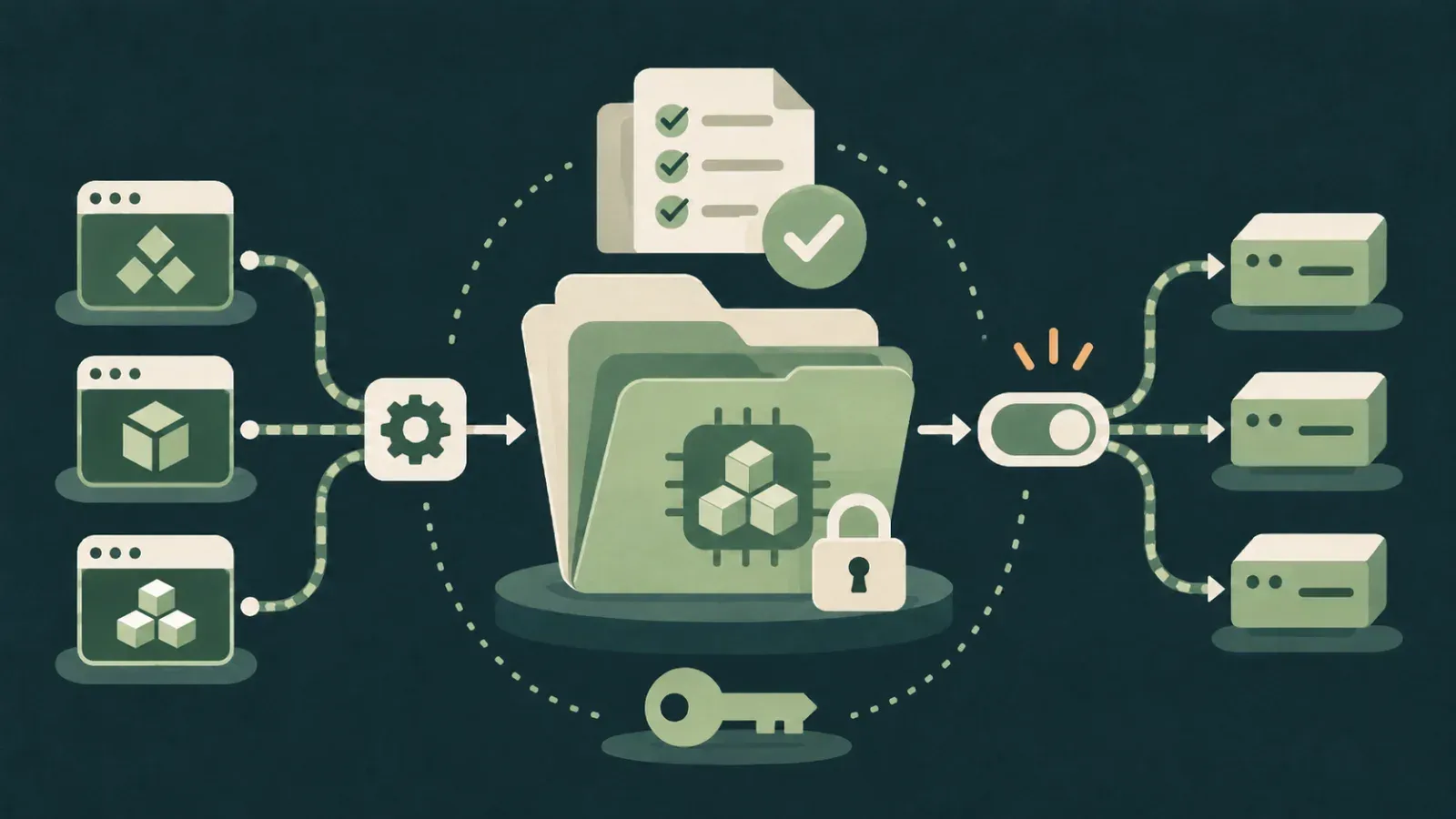
How to install skills in Codex, Cursor, Gemini CLI, Claude Code and more
Find the skills folder and install command for Codex, Cursor, Gemini CLI, Claude Code, Antigravity and OpenCode, and check a skill before it runs.
8 min read